Tired of Typos? Standardize Data Entry with This No-Code Select Field Trick
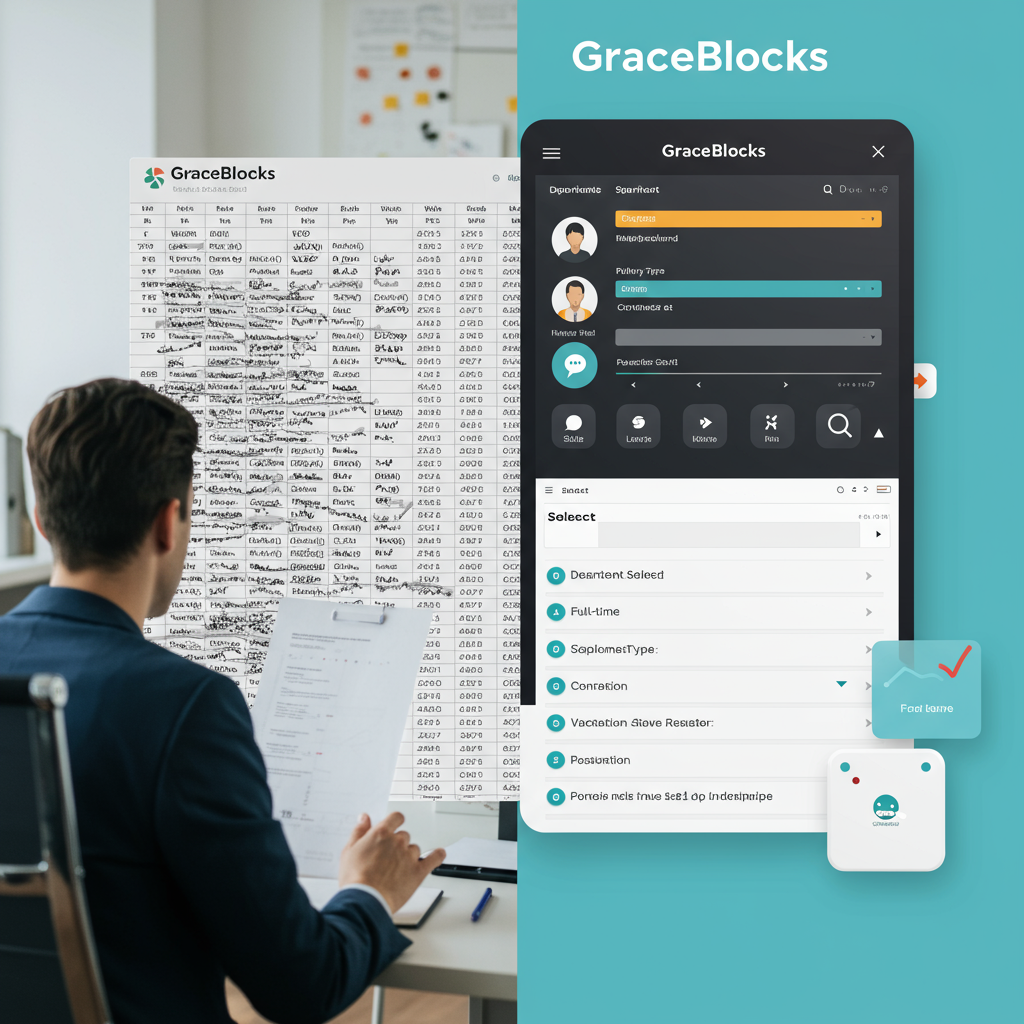
Let's face it: inconsistent data entry is a silent killer of productivity, especially for small HR teams. You’re drowning in spreadsheets and chasing down incorrect information. Time wasted is money lost, and it’s frustrating for everyone involved.
The core problem often lies with free-text fields. Think about it. Someone enters "Full-Time" for employment type, someone else uses "Full Time," and a third person writes "FT." Now you've got three different entries that all mean the same thing. It's a nightmare for reporting and analysis, right?
Imagine, instead, a world where data entry is clean, consistent, and fast. A world where you can pull accurate reports with just a few clicks. A world free from the shackles of typo-induced chaos!
That's the power of standardized data entry, and it's easier to achieve than you might think. Forget complex coding. The secret weapon? Single and Multi-Select fields within a no-code platform.
Here’s the game plan:
- Define Your Key Fields: Identify the areas where inconsistencies creep in. Obvious candidates are things like:
- Department (Marketing, Sales, Engineering, etc.)
- Employment Type (Full-Time, Part-Time, Contractor)
- Leave Reason (Vacation, Sick Leave, Personal Leave)
- Performance Review Rating (Exceeds Expectations, Meets Expectations, Needs Improvement)
Basically anything that has a limited set of possible answers.
- Create Select Fields: Instead of a free-text box, use Single-Select (for single choices) or Multi-Select (for multiple choices) fields in your data entry system.
- Pre-define the Options: Populate these fields with a comprehensive, but concise, list of acceptable values. For "Department," list all your actual departments. For "Leave Reason," list all authorized leave types. This is where you nip the typo problem in the bud.
- Bonus points: Color-Code Your Options: Many platforms let you assign colors to each option. This might sound trivial, but it makes a HUGE difference for visual scanning. Imagine glancing at a list and instantly spotting all the "Urgent" requests (highlighted in red). Suddenly, critical information jumps out at you.
The benefits are immediate. Data entry becomes faster, more accurate, and more consistent. Reporting becomes easier because you're working with clean, standardized data.
Think of it this way: trying to analyze free-text data is like trying to herd cats. Using select fields is like having those cats nicely organized in individual, color-coded carriers. Which sounds more appealing?
Where can you put this into practice? Well, platforms like GraceBlocks are perfect for this. GraceBlocks is a customizable database platform that lets you build your own solutions. You can define your data structures, workflows, and automated AI processing. Plus, you can integrate communication with email or SMS messaging. Think of it as your HR data hub, built exactly the way *you* need it, without writing a single line of code. So you can build this system and automate even more of your HR tasks. Start solving your problems today by building solutions like this yourself.


.jpg)
Comments
Post a Comment