Quick Privacy Win: The Easy Way to Mask Sensitive Data On Screen
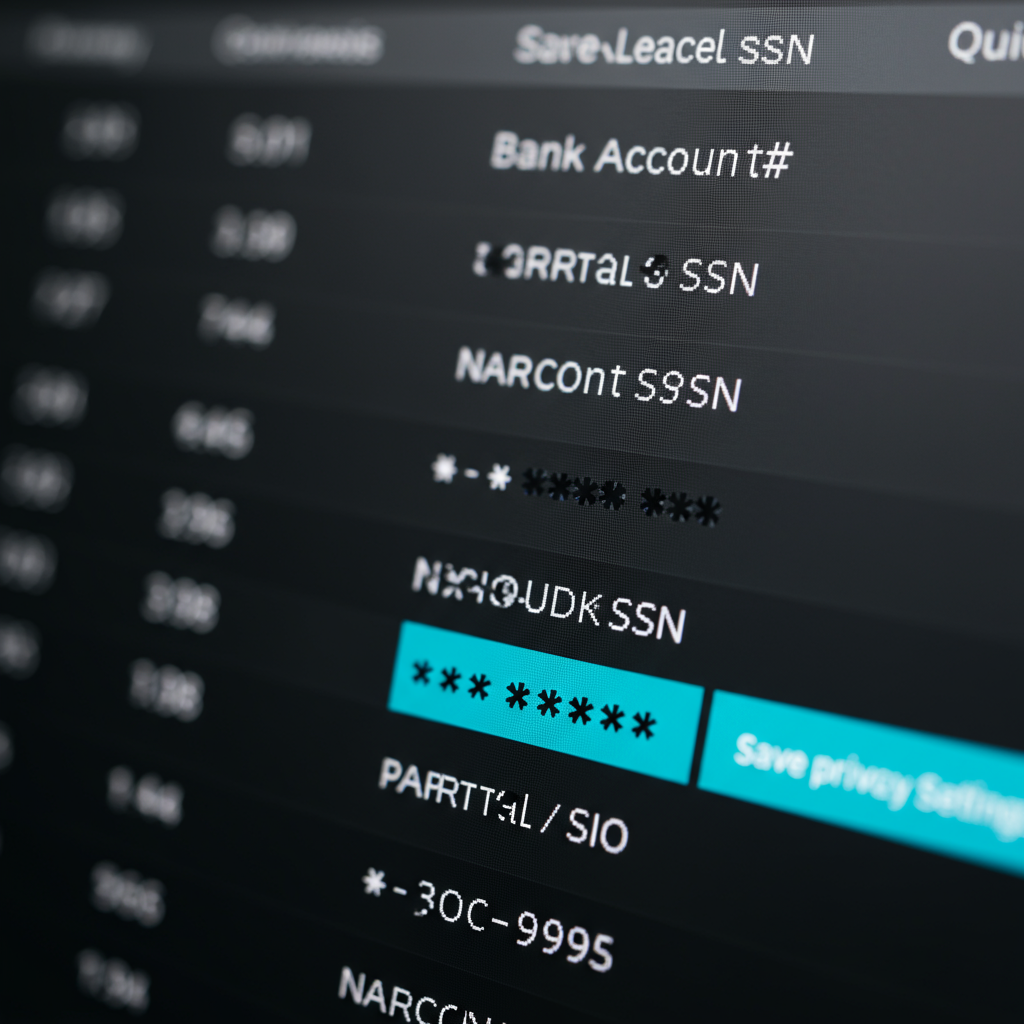
Okay, let's talk privacy. As HR, you're juggling a ton of sensitive info – social security numbers, bank account details, salaries...the works. And while you're hyper-focused on compliance, sometimes the simplest things can make a huge difference in day-to-day security.
Think about it. How many times do you or your team need to glance at a grid of employee data on your screen? Even if it's just for a second, are you *really* confident nobody's peeking over your shoulder? It's surprisingly easy for someone to catch a glimpse of something they shouldn't. The traditional solution? More complex security protocols. But what if there was a quick, easy win?
The Problem: Too Much Visibility
Imagine this: you're looking at an employee list in your HR system. It shows full social security numbers. Every single digit. All the time. While that data is technically protected in the database, it is often displayed fully on the front end. Even though you probably only need the last few digits for verification in many cases, all those digits are on display. That's a problem. It's like leaving your house keys hanging in the front door.
The Goal: Implement Visual Privacy
Here's what we want to achieve: to mask sensitive data fields by default in our HR system's grid views. Show only the last few digits of things like social security numbers or bank account numbers, just enough to be useful without exposing everything. Think of it like those receipts that only show the last four digits of your credit card. That's the level of visual privacy we're aiming for. The benefit? An immediate layer of protection against accidental over-the-shoulder views and a calmer feeling that things are safe by default.
Here's the Process: The GraceBlocks "Masked Text" Field Solution
Alright, so how do you actually *do* this? Let's say you're using a no-code tool like GraceBlocks. Here's the lowdown. GraceBlocks is a customizable database platform, which is perfect because you can adjust it to your exact needs.
- Identify Sensitive Fields: First, identify the fields you want to mask. Obvious candidates are things like "Partial SSN", "Bank Account #", and even potentially "Salary" if you want a quick overview without revealing precise numbers.
- Configure the Field Type: In GraceBlocks, you can define different field types. You'll want to select the "Masked Text" field type for your chosen fields. This tells the system to treat the data in a special way.
- Set the Masking Rules: The beauty of "Masked Text" is the configuration. You can specify how many characters to show at the *end* of the field and the masking character to use for the rest (usually an asterisk or a similar symbol). For example, you might show the last four digits of a bank account number and mask the rest with asterisks.
- Test and Deploy: Once configured, test the masking rules in a grid view. Make sure only the desired characters are visible. Then, deploy the changes to your live system.
That's it! With a few simple configurations, you've significantly improved the visual privacy of your HR data. And honestly, it's the kind of change that makes you sleep a little easier at night.
Why This Matters
Little changes like masking a field are not just about ticking a box. It's about building a culture of security. It shows your team that you are thinking about protecting employee data from all angles. Plus, it’s a tangible improvement your team will notice. This is key, especially in small HR teams, where everyone wears multiple hats.
And while this example focuses on GraceBlocks, the general principle applies to many no-code or low-code platforms. If you are not using GraceBlocks, find out what features your existing tools have that let you mask data on screen. Don't have anything like that? Maybe it's time to start looking.
Ultimately, visual privacy is an easy win that helps build trust, enhance security, and give you peace of mind. And isn't that what we all want?


.jpg)
Comments
Post a Comment