Automating the Gaps: 5 Onboarding Messes Your HRIS Can't Fix (And How To)
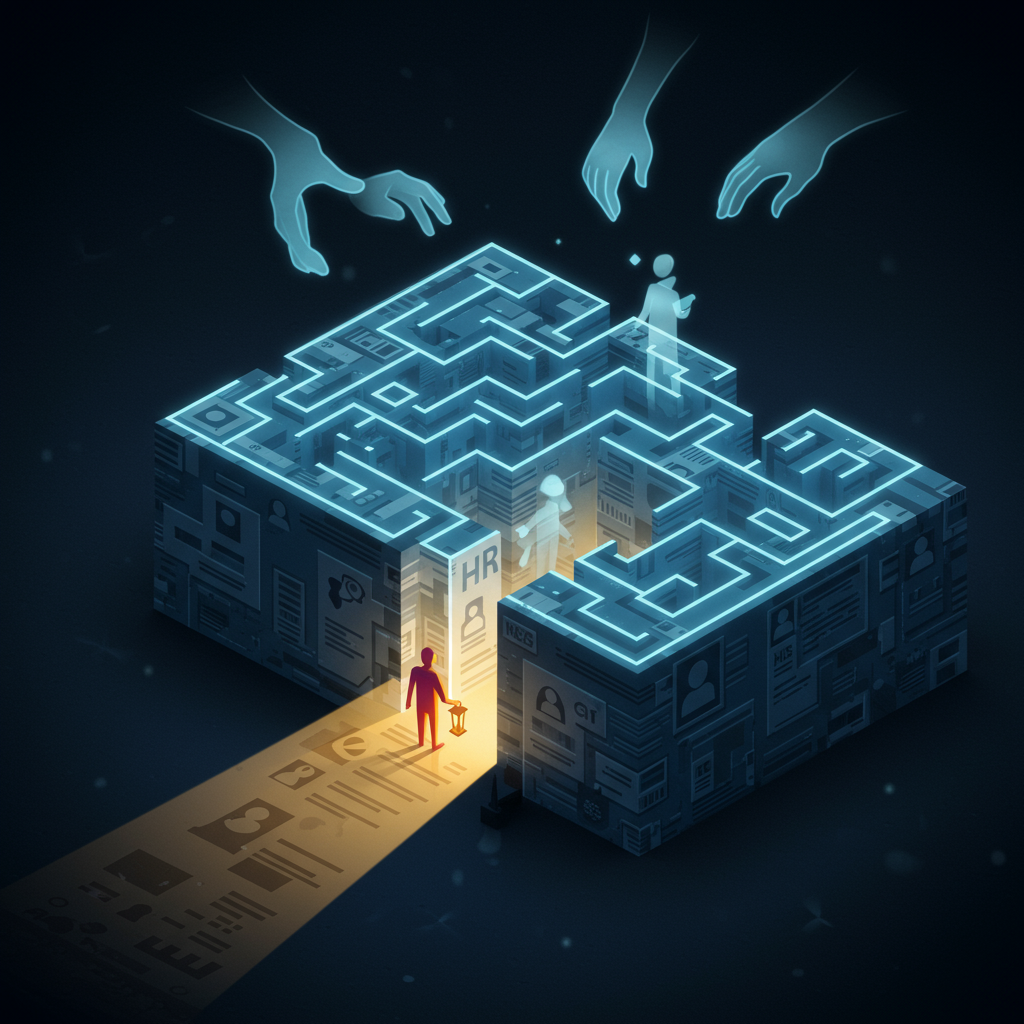
Your HRIS is the backbone, right? It handles payroll, benefits, basic employee data. But think about onboarding. It's so much more than just entering a new hire's name and address. It's forms, equipment, introductions, training... it's a whole chaotic dance.
Let's face it: onboarding is often a Frankenstein process. A bit of email, a shared drive stuffed with documents, a few whispered instructions. It's not efficient. It's not consistent. And, most importantly, it’s a terrible first impression for your new hires.
You're probably nodding along, thinking, "Yeah, that's us." You're likely a small HR team juggling a million things. And you know a smooth onboarding experience translates to happier, more productive employees, faster. So, what's the goal? Simple: Transform that messy onboarding into a streamlined, automated process that wows new hires and frees up your time.
But how do you get there? Your HRIS is already maxed out and you don't have budget for a full-blown platform. Let's break down the common gaps your HRIS leaves behind, and how you can bridge them.
-
Gap #1: Personalized Task Assignment. Your HRIS probably triggers a generic "welcome" email. But what about tailoring the experience? A sales person needs access to different tools and systems than a marketing analyst. Your HRIS can't dynamically assign role-specific tasks based on a person's department.
Solution: Create a dynamic onboarding checklist. Think of it like a choose-your-own-adventure game. Based on the new hire's role, they receive a specific set of tasks, each with deadlines and clear instructions.
-
Gap #2: Cross-Departmental Coordination. Onboarding isn't just HR's job. IT needs to provision accounts, facilities needs to set up their desk, the manager needs to... well, manage! Your HRIS probably doesn't easily communicate tasks to other departments. Emails go unanswered, things get missed.
Solution: Build an automated notification system that alerts the relevant departments and tracks their progress. When a new hire is entered into your system, an alert goes to IT, facilities, and their manager, each with a clear action item and deadline. It's like a digital nudge they can't ignore.
-
Gap #3: Document Collection and Tracking. I-9s, W-4s, confidentiality agreements… paper cuts galore! Your HRIS might store the final documents, but it probably doesn't automate the *collection* process or track who's submitted what.
Solution: Design an automated document workflow. Send pre-populated forms to new hires, allowing them to digitally sign and submit them. Track the status of each document, automatically sending reminders to those who haven't completed them. Ditch the paper mountain.
-
Gap #4: Feedback and Check-ins. Onboarding isn't just about the first day. It's about the first few weeks, even months! Your HRIS likely doesn't handle regular check-ins or feedback collection.
Solution: Schedule automated feedback surveys. Send a short survey after the first week, another after the first month, and another after three months. Ask about their experience, their challenges, and their overall satisfaction. This helps you identify areas for improvement and address any issues before they escalate.
-
Gap #5: Knowledge Transfer. A new hire needs to know the company culture, processes, and resources. A generic employee handbook in your HRIS won't cut it.
Solution: Create a centralized knowledge base. Populate it with FAQs, training videos, and other helpful resources. Use your automation platform to guide new hires through specific learning paths tailored to their roles.
So, how do you actually *do* all this? You need a flexible tool that lets you build custom workflows, automate tasks, and integrate with your existing HRIS (or even replace some of its functionality). That's where a no-code platform like GraceBlocks comes in.
With GraceBlocks, you can build your own custom onboarding solution. Define your data structures, automate workflows, trigger email and SMS notifications, and even use AI to personalize the experience. It's like having a custom-built software solution, without writing a single line of code.
You already have the vision. GraceBlocks lets you bring that vision to life. Stop letting those onboarding gaps trip up your new hires. Start automating, start streamlining, and start building a world-class onboarding experience.


.jpg)
Comments
Post a Comment